How to connect to Azure AD B2C to call Sigabill APIs
Introduction
To connect to Sigabill APIs, you must authenticate using Microsoft Azure Active Directory B2C.
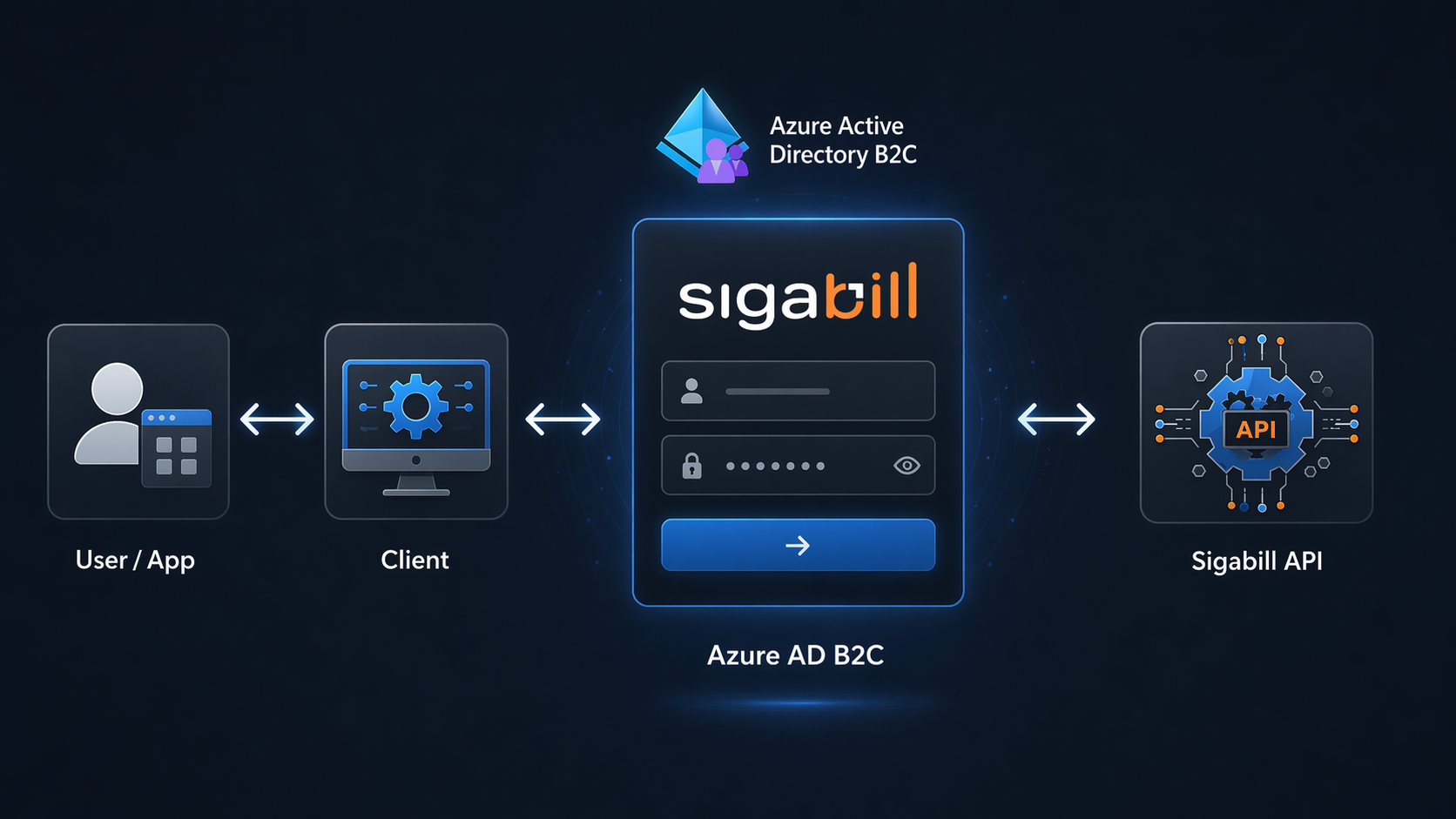
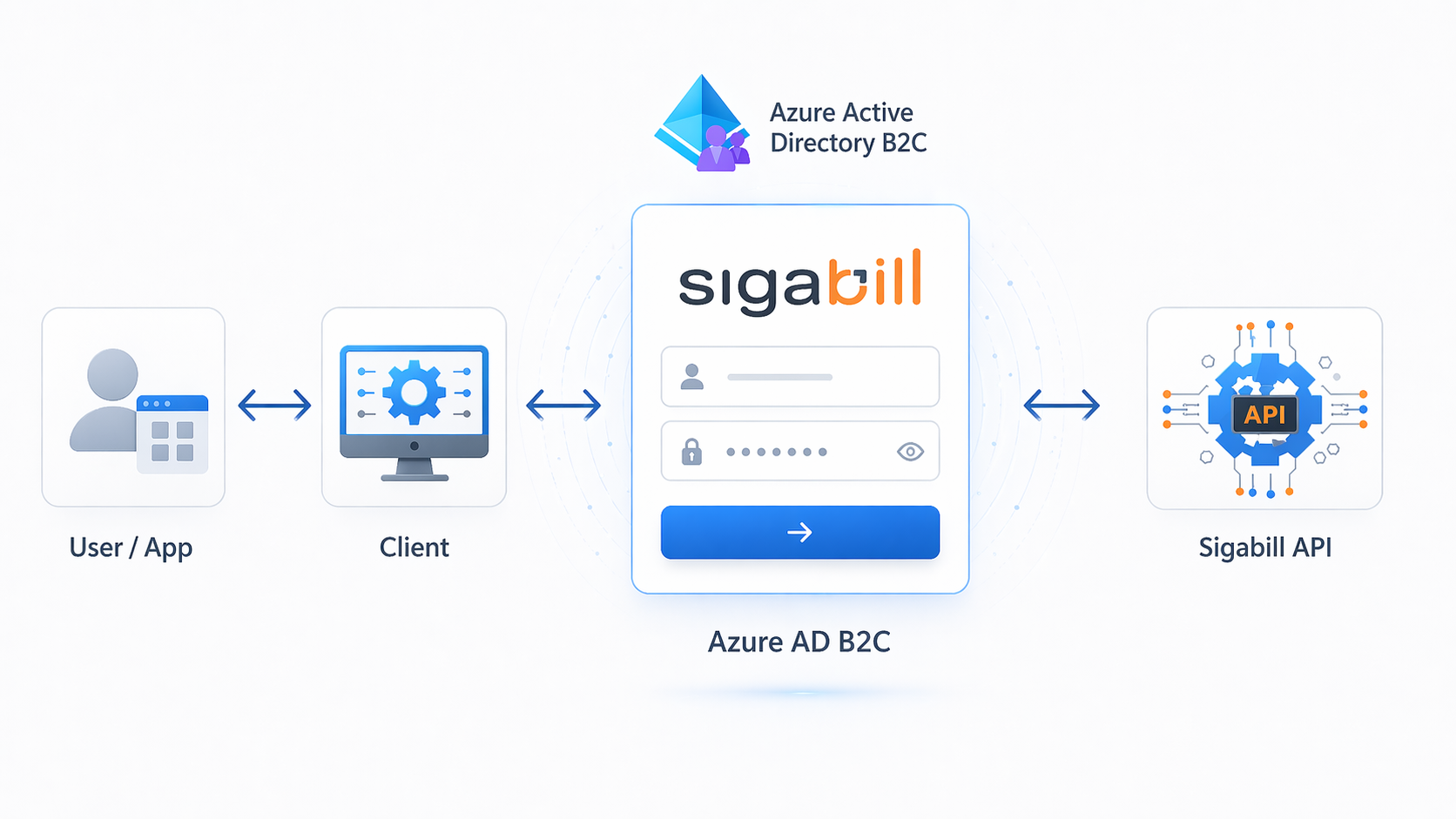
Azure B2C authentication is based on OIDC (OpenID Connect), which is an authentication protocol built on OAuth 2.0. The official Microsoft documentation for configuring B2C access from a web application is available at this link.
Authentication flow
sequenceDiagram
  Actor U as User
  participant E as Your Web App
  participant B as Azure B2C
  participant S as Sigabill

  U->>E: Triggers login action
  E->>B: redirect login OIDC/OAuth
  U->>B: enters credentials
  B->>E: redirect_uri (access_token,email@email.com)
  E->>S: API (Bearer )
Azure AD B2C Configuration
What you must provide to us to configure Azure AD B2C
1. Application Type: SPA / Web server / Mobile / Desktop / Service (machine-to-machine)
2. Exact Redirect URI(s) (and sign-out URI if applicable)
3. Target Environments (dev/test/prod)
Application Configuration
What you will receive from us
1. B2C domain/tenant + policy/user flow
2. Client ID for your application (registered by us in our B2C)
3. Scopes authorized for your API calls
4. Client secret/cert + rotation procedures
B2C issues JWT tokens (JSON Web Tokens) that your app will present to our APIs. (Source)
Example:
"AzureAdB2C": {
"Instance": "[https://contoso.b2clogin.com](https://contoso.b2clogin.com/) ",
"Domain": "[contoso.onmicrosoft.com](http://contoso.onmicrosoft.com/) ",
"ClientId": "<web-app-application-id>",
"SignedOutCallbackPath": "/signout/<your-sign-up-in-policy>",
"SignUpSignInPolicyId": "<your-sign-up-in-policy>"
}
Recommended Flow: Authorization Code + PKCE (with user)
1. Your application triggers the login and redirects the user to the /authorize endpoint (with client_id, redirect_uri, scope, PKCE).
2. After authentication, B2C redirects to your redirect_uri with ?code=...
3. Your application exchanges the code for an access_token via /token
4. Your application calls Sigabill APIs with:
Authorization: Bearer <access_token>
API Call
Add the Authorization: Bearer <access_token> header to your HTTP requests.
Security Notes
Never embed a client secret in an SPA (front-end).
Use MSAL whenever possible (it handles PKCE and OIDC details).